Video game subscription service
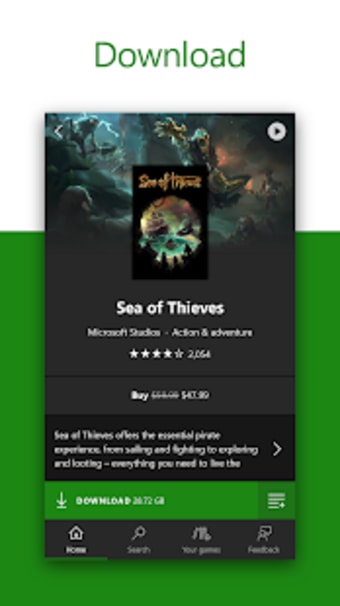
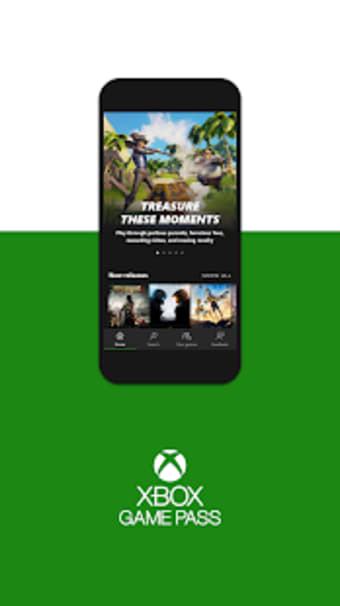
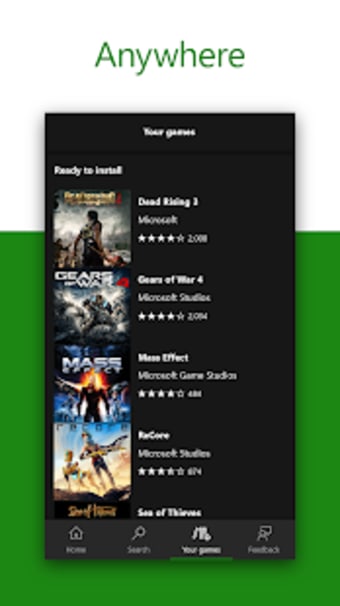
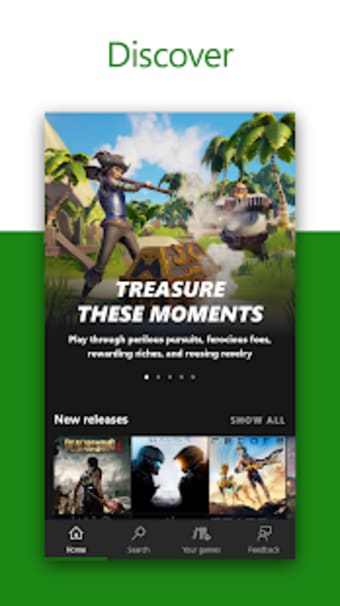
Xbox Game Pass is a game utility app that enables you to enjoy unlimited access to over one hundred Xbox games. The titles can be queued for installation and downloaded from the details page for a given name. This includes games from the original Xbox console to the newest releases on Xbox 360. You can use your subscription on other platforms such as the Xbox One and the PC Xbox Game Pass Ultimate.
Top Recommended Alternative
How does the Xbox game pass work?
This utility application allows you to choose from 100+ Xbox games, and download them to your desktop or console. You will need to set up your default Xbox One device first. On the app, tap the gamer pic on the bottom-right corner of your screen. The gear icon should appear on the top-right corner. Press the settings icon and choose "Select default Xbox One." A list of your known devices will appear on the screen.
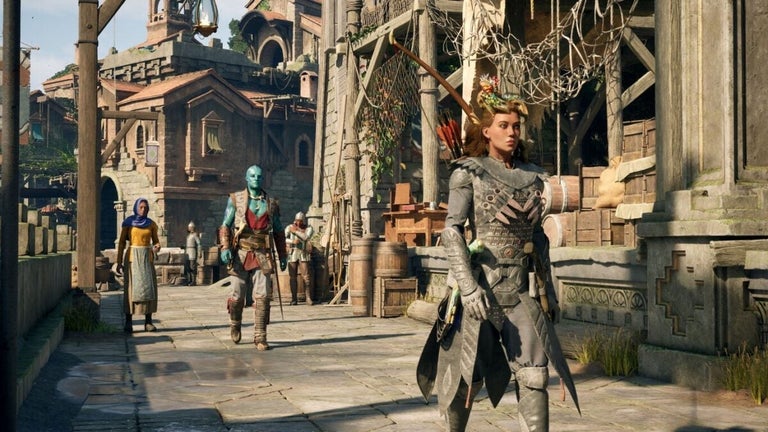
Minecraft Dungeons, Call of Duty: Modern Warfare, Red Dead Redemption 2, Fortnite, and FIFA are just a few of the titles you’ll find in its catalog. Choose as many games as you want, then select "Install on Xbox." This will prompt your Xbox One console to start the installation. It’s also in charge of suggesting which titles you should uninstall. The Recommended to uninstall list will come in handy when you need more storage space.
Microsoft Rewards Quests users can view, complete, and redeem their points through the Xbox Game Pass mobile app. Accumulating points on the app can be done by completing quests, purchasing games from the Microsoft Store, availing special offers on new releases, joining daily and weekly quizzes, and using Bing as your default search engine. You will receive a push notification on items that you can avail of with your points.
Future of console gaming
As an avid Xbox user or PC gamer, you will benefit from this app. Xbox Game Pass enhances your gaming experience as you will be able to control your console remotely. It also grants you exclusive access to the latest activities and deals from Microsoft. Acquiring more points will take some time, but it’s well worth it.













.png)



.jpg)


.png)